
VAPE FAQs
How To Store A Vape?

Aug
Many users discover that their devices degrade faster than expected — a unit that performed flawlessly through the first few weeks suddenly shows weaker output, shorter runtime, or erratic behavior. The cause is often misdiagnosed. Through its customer support channels and direct retail experience, OZVAPE Shop has observed that a significant portion of premature device failures can be traced to a single overlooked variable: storage.
Storage might seem trivial compared to choosing the right device or understanding its internal engineering. Yet the physical environment a device lives in when it isn’t being used directly governs how its power cell ages, how seals hold up, and whether the internal electronics remain stable. This article explains the mechanisms behind storage‑related damage, provides a field‑tested set of storage principles, and shows how applying those principles can extend the useful life of your device — whether you use a simple sealed unit or a modular, high‑capacity system like those found in the ALIBARBAR range.
The Hidden Costs of Improper Storage
Adult users often assume that their device is inert when turned off. That assumption is both common and dangerous. Lithium‑based power cells continue to undergo slow, irreversible chemical reactions at any temperature above absolute zero. The rate of those reactions doubles for roughly every 10°C increase in ambient temperature, a principle well‑documented in electrochemistry. This means a device left in a car on a 35°C day can age internally as much in an afternoon as it would during a week of careful indoor storage at a stable 20°C.
The consequences are not always immediate. A user might notice a gradual reduction in per‑charge runtime, or a device that once delivered consistent output now fades unpredictably. In severe cases, exposure to moisture condensing inside a unit can corrode contact points, leading to intermittent failure that leaves the user stranded. The economic loss is real: people end up replacing devices far sooner than they would have with modest changes in storage habits. And in the broader context of manufacturer‑rated operational life, improper storage effectively invalidates the engineering margin that quality‑focused brands like ALIBARBAR build into their products.
Core Storage Principles: What Every User Should Know
The best storage practice is not a single rule but a short, internally consistent set of conditions that together preserve the device’s power cell, the integrity of its seals, and the stability of any consumable contents. The following principles are distilled from direct observation of device behavior after prolonged idle periods, as well as from the practical experience of support teams at OZVAPE Shop.
Temperature Control
Keep the device in a consistent temperature range between 15°C and 25°C. Occasional brief excursions outside this window are unlikely to cause immediate damage, but sustained heat — the glove compartment in summer, a bag left in direct sun — accelerates the degradation of the electrolyte inside the power cell. Cold below 5°C can temporarily suppress performance and, if combined with charging immediately after removal from a cold environment, may cause damage through condensation.
The takeaway: the environment that feels comfortable to you is generally safe for your device. If you wouldn’t leave a bottle of water there all day, don’t leave your device.
Humidity and Moisture Protection
High humidity is often a silent culprit. Moisture can infiltrate the device through the airflow path, USB‑C charging port, or the seam between the main body and a removable pod. Once inside, it corrodes the tiny spring‑loaded contacts that need to maintain a low‑resistance connection. In modular systems like the ALIBARBAR INGOT series — where the pod or cartridge is designed to be separated from the power unit — storing the components separately in a dry environment is a low‑effort way to prevent moisture bridging.
A simple desiccant packet (silica gel) in the storage case costs almost nothing and can absorb residual humidity. Avoid airtight containers without desiccant, as trapped moisture can actually create a high‑humidity microenvironment.
Charge State Management
The ideal state of charge for long‑term storage is approximately 40–60% of the cell’s rated capacity. Storing a device fully charged continuously stresses the electrolyte by keeping the voltage at the upper end of its electrochemical window. The effect is subtle but cumulative: over months, capacity can fade by 10–20% compared to a cell stored at mid‑charge. Conversely, storing a device in a deeply discharged state risks the cell dropping below its minimum safe voltage, after which internal resistance rises sharply and the cell may become unrecoverable.
If you know the device will sit idle for more than a few weeks, use it until the indicator shows roughly half charge (or two out of four segments on a 4‑LED indicator) and then power it off. Check the charge level every three months and top it back up to that range if needed.
Physical Separation and Containment
Loose devices in a bag or drawer are at risk of physical impact and accidental activation. A rigid protective case — even a simple, well‑fitting hard case — prevents pressure on the mouthpiece and protects switch mechanisms. For devices with a removable component, remove the pod or cartridge before extended storage. This not only isolates the liquid from the contacts but also prevents a slow weeping of fluid that can coat internal surfaces and attract dust.
Device-Specific Storage: Modular vs. Sealed Systems
The principles above apply broadly, but storage decisions should also account for device architecture. Sealed, disposable units — often chosen for their simplicity — have no user‑accessible way to separate the power cell from the consumable components. For these, the main storage risk is exposure to heat, which directly degrades the internal cell and the pre‑filled reservoir simultaneously. This is why sealed units that have been sitting on a hot retail display shelf or in a delivery van for days often feel “weak” from the first use.
Modular systems, such as the ALIBARBAR Ice Adjust 12000 or INGOT 15000, introduce a different set of options. By design, the user can remove the liquid‑containing element. This simple act eliminates the risk of slow leakage into the airflow sensor during storage, which is a common cause of draw‑activation failure. OZVAPE Shop has documented cases where customers who routinely separated the pod during extended idle periods saw a notable reduction in malfunctions compared to those who kept the device fully assembled. The lesson is clear: modularity isn’t just about convenience during use — it’s a storage advantage.
There is a less obvious consideration: devices with adjustable airflow. When storing such a device, close the airflow ring fully. That creates a secondary barrier against dust and debris, which can eventually clog the internal channel if the device is kept in a pocket lint‑prone environment.
A Practical Storage Routine
Incorporating these principles into daily life doesn’t require elaborate rituals. The following short checklist can be applied to almost any device:
Choose a stable‑temperature location away from windows, heaters, and glove compartments.
Ensure the device is clean — wipe the mouthpiece and contact area with a dry, lint‑free cloth.
Verify charge level is around half. Charge or use the device briefly to reach that state if needed.
Remove the consumable component (pod or cartridge) and store it upright in a sealed container with a desiccant pack.
Protect the power unit in a rigid case or padded pouch.
Close any adjustable airflow to minimize dust ingress.
For daily‑use scenarios where the device is carried in a pocket or bag, at minimum stick to step 4 (removal of the pod) and step 6 (airflow closure) when you know you won’t use it for several hours.
Common Storage Errors That Shorten Device Life
Even experienced users fall into these traps. Recognizing them is the first step to avoiding them.
Error 1: Over‑reliance on visual cues. A device that still “looks fine” may have internal damage. A power cell that has been cooked in a hot car can appear completely normal — until you notice that a full charge now lasts only half as long. Don’t assume no external sign means no harm.
Error 2: Charging before storage. The instinct to charge to full before putting a device away is understandable, but it directly harms long‑term cell health. The voltage ceiling accelerates capacity loss. Train yourself to charge only to the 40–60% window if the device will sit idle.
Error 3: Storing the device assembled. Whether sealed or modular, leaving the consumable component connected invites slow, steady degradation. Even in sealed units, the internal contact between the heating element and the liquid reservoir can create a micro‑environment where residue builds. In modular devices, a separated pod and power unit simply last longer.
Error 4: Ignoring firmware or safety features. Some advanced devices include a storage or lock mode that disconnects the output circuit. If yours offers such a function, use it. A powered‑off device that remains electronically live can still draw a micro‑current that deep‑discharges the cell over months, especially if the fire button is accidentally pressed in a bag.
Frequently Asked Questions
Q: Can I store my device in the refrigerator?
A: No. Refrigeration introduces moisture and the risk of condensation directly onto sensitive electronics. The temperature itself is within a safe range, but the humidity risk outweighs any trivial benefit.
Q: What if I need to leave it unused for six months or more?
A: Charge the power cell to around 50%, power the device off completely, and store the components separately in a dry, temperature‑stable place. Check the charge level every three months. If the voltage has dropped below 3.6V, the cell may have suffered irreversible damage.
Q: Does altitude affect storage, like during a flight?
A: Cabin pressure changes can force liquid out of the pod due to pressure differential. Always remove the pod or cartridge and store it upright in a separate, sealed container when flying. This prevents leakage into the device or your luggage.
Q: Can I leave my device charging overnight?
A: Many devices lack a true charge‑termination circuit and will continue to trickle charge, slightly stressing the cell. While the risk of immediate failure is low, habitual overnight charging shortens overall lifespan. Charge until full, then disconnect.
Q: How do I know if a device was damaged by poor storage before I bought it?
A: If a sealed unit exhibits unusually rapid charge depletion or weak output from the first use, it may have experienced thermal stress in the supply chain. This is why OZVAPE Shop validates storage conditions with suppliers and maintains climate‑controlled warehousing — to ensure the device reaches you in the condition the manufacturer intended.
Q: Is it safe to store devices in a car?
A: Never. Interior temperatures can exceed 60°C on a sunny day. Even short exposure can permanently damage the power cell and the liquid inside the pod. If you must leave it in the car, place it in an insulated container under a seat, but only for brief periods.
Q: Do I need a fire‑safe bag for storage?
A: For modern devices with built‑in protection circuits, the risk is extremely low during proper storage. However, if you are storing multiple loose batteries or devices without integrated safety chips, a fire‑retardant pouch adds an extra layer of household safety. For standard all‑in‑one units, this is not a necessity.
Q: Should I clean the contacts before storing?
A: Yes. A quick wipe with a dry microfiber cloth removes skin oils and environmental residue that can accelerate contact oxidation during idle periods. This five‑second step can prevent a poor‑connection headache weeks later.
Q: What about devices with built‑in displays — do they impact storage differently?
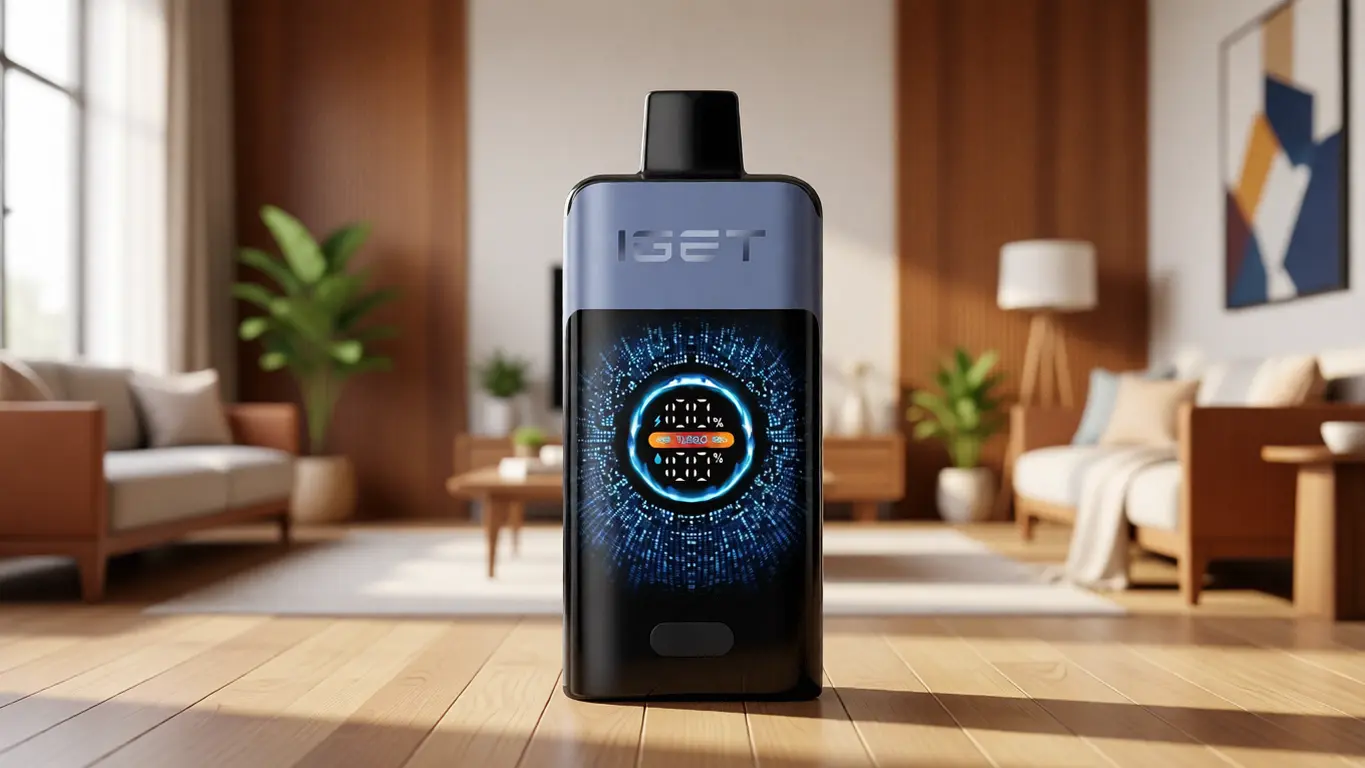
A: Displays themselves don’t meaningfully alter storage requirements, but they provide critical information: checking the charge level before storage is easier. Use that advantage to confirm you’re in that 40–60% sweet spot.
Q: How does OZVAPE Shop help me avoid storage‑related issues after purchase?
A: Beyond providing detailed device‑specific documentation, OZVAPE Shop’s support team can help assess whether unusual device behavior stems from a storage pattern you might have overlooked. Subtle signs like increased contact‑cleaning frequency can indicate a humidity problem in your storage area.
Conclusion
Storage is a quiet, persistent influence on a device’s lifespan — not as visible as a dramatic drop on concrete, but far more likely to shorten the useful life of an otherwise well‑built unit. The practices that protect your device, from charge‑state management to simple disassembly, are all cheap, quick, and grounded in the physical realities of lithium‑powered electronics. The investment pays back directly in fewer replacements, more consistent daily performance, and the satisfying experience of a device that lasts as long as its engineering intended.
Informed storage complements informed purchasing. Choosing a device that respects the user through transparent status indicators, modular construction, and high‑quality seals — like those found in the ALIBARBAR ecosystem — provides a stronger foundation for sustained performance. For adults who want to access factory‑certified inventory with the assurance of documented provenance and local support, OZVAPE Shop offers a channel that takes the same deliberate approach to retail as this article takes to education.
The right storage routine is the one that matches your actual daily rhythm. Start with one small change — removing the pod at night, checking the charge state, or finding a cooler drawer. You will notice the difference not tomorrow, but in the months when you realize your device still delivers exactly what you expect.