
VAPE FAQs
Why Is My Vape Flashing Blue?

Jun
Why Is My Vape Flashing Blue? A Practical Guide to Understanding Device Status Signals
Seeing an unexpected light isn’t a cause for panic, but it is a signal you shouldn’t ignore. A flashing blue indicator on your device is its way of talking to you — a short, unambiguous message about power, connection, or a built-in safety check. Most users encounter these lights at the worst possible moment, and the confusion that follows is entirely reasonable. The point of this guide is to take the mystery out of that blinking blue light so you can make a confident decision about what to do next, rather than hunting through forums or guessing.
At OZVAPE Shop, we’ve found that a large portion of product-related uncertainty stems from poor status communication. When a device doesn’t tell you what it’s doing, you naturally assume the worst. The ALIBARBAR collection and similar thoughtful designs recognise this problem and build indicator logic with the same care as the internal architecture. Throughout this article, we’ll unpack why a blue flash occurs, how to interpret its pattern, and what engineering decisions make some devices much easier to trust than others.
Understanding What Matters: The Engineering of Status Communication
Behind every blinking light is a deliberate choice by the product team — or the absence of one. The way a device handles alerts tells you a lot about its overall quality.
The Language of Light: Why Devices Flash at All
Electronic handheld devices rely on multi-colour LEDs because a screen would drain power, add cost, and introduce fragility. The challenge is that a single light must convey many different states: normal operation, low battery, charging progress, short-circuit protection, and even end-of-life notification. A blue flash is most commonly associated with one of three conditions:
Battery level warning: Many factory-calibrated power-management circuits trigger a blue pulse when the cell drops below a threshold that still allows safe operation, but signals that you’re nearing the end of a session. This is different from a red or dead-battery flash, which usually means immediate shutdown.
Connectivity or activation confirmation: In devices with sensors (draw-activated or otherwise), a brief blue flicker can acknowledge that the device has registered a user action and is supplying power to the heating element.
Protective shutdown: A rapid series of blue flashes — often five or ten in quick succession — is a common method for indicating a short circuit, an over-temperature event, or a coil that has fallen outside the device’s intended resistance range. This protects you and the hardware.
When a manufacturer implements clear, documented light codes, your troubleshooting time drops from minutes to seconds. Without that documentation, you’re left interpreting random blinks.
Status Transparency and the Anxiety of Ambiguity
We consistently observe that the single biggest driver of user frustration is not battery life or output consistency, but the absence of clear status feedback. When you can’t tell if a device is working, low on charge, or locked out, you start carrying a backup by default. That’s a silent cost most people don’t account for. A well-designed indicator system — including a blue light that behaves predictably — eliminates that mental load.
ALIBARBAR’s design philosophy addresses this directly. The devices in their range are built to give you exactly the information you need without requiring an instruction manual each time. That’s a hard balance to strike, but it’s one of the reasons users report less fumbling and fewer abandoned devices mid-day.
How Internal Architecture Affects Indicator Logic
Not all flashing blue lights are created equal. The predictability of the signal depends largely on whether the device uses a basic voltage-monitoring chip or a more sophisticated microcontroller.
In simpler sealed units, a blue light may simply mirror the draw sensor: on when inhaling, flickering when the battery sags. These devices rarely differentiate between a low-battery warning and a transient power fluctuation, so the light can feel erratic. In contrast, units built around a programmable PCB — like those in the higher-capacity INGOT series — can assign distinct flash patterns to specific states. A slow, repeating blue pulse might always mean “battery below 20%,” while a double-blue burst means “sleep mode deactivated.” The difference is that the latter gives you actionable information instead of a riddle.
When evaluating any device, ask yourself: does the light sequence tell me something I can use, or does it just create more questions? The answer is a reliable indicator of the engineering discipline behind the product.
Applying These Insights to Real-World Devices
With a framework in place, it becomes easier to see why some families of devices handle status communication better than others. ALIBARBAR’s current lineup — available through transparent, factory-certified channels — offers a practical illustration.
Take the ALIBARBAR INGOT 15000. It uses a single multi-colour LED that communicates state through colour and rhythm, not guesswork. The documentation clearly maps a blue blinking pattern to “battery low, charge remaining for approximately 50 stable draws,” while a static blue after connection means the device is active and awaiting use. Users who switch from devices with ambiguous indicators often remark that the biggest surprise is simply knowing what’s happening without a second thought. That predictability comes from engineering, not marketing.
Similarly, the Ice Adjust 12000 series includes a light that serves both as a status beacon and a settings confirmation. When users adjust airflow or power modes, a blue acknowledgement flash confirms that the input has registered. This small detail prevents the uncertainty that arises when you’re not sure a setting has actually been changed — a quiet but persistent annoyance in many alternative designs.
Other popular device families also use blue LEDs, but the level of documentation and consistency varies widely. Some high-capacity devices from different manufacturers flash blue for a low-battery condition, yet the threshold is set so conservatively that the light activates when over 40% of the operational life remains. This creates the false impression that the device is dying, prompting unnecessary replacements. Without a standardised spec sheet — something OZVAPE Shop insists on publishing for every ALIBARBAR unit — it’s nearly impossible to know what a blue flash truly means before you’ve used the device for weeks.
A Practical Framework for Diagnosing Any Flashing Blue Light
You don’t need to be an engineer to triage a blinking device. Follow this sequence, and you’ll isolate the cause within a few minutes.
Identify the exact pattern. Count the number of flashes, the gap between bursts, and whether the light is accompanied by any haptic feedback. Write it down.
Check the manufacturer’s documentation. Even a single sheet inside the packaging often contains the key. If you’ve misplaced it, reputable retailers like OZVAPE Shop maintain digital copies of spec summaries that include LED tables.
Determine if the device is still responsive. Try a normal activation. If it fires but the blue light continues, you’re likely seeing a mid-level battery alert. If it refuses to activate at all, the flashing could be an error lockout.
Assess battery state. Connect to a power source if your device supports recharging. A solid blue or a steady charging indicator confirms the battery was low. When the light stops flashing and turns off after a full charge, you’ve cleared the condition.
Rule out environmental factors. Extreme cold or heat can trigger protective blue flashes on some boards. Allow the device to return to room temperature before retesting.
For sealed units, consider lifecycle limits. If the device is rated for a certain number of operations and you’ve approached that number, a blue flash could be an end-of-life signal. This is a design feature that prevents degraded performance.
If after all these steps the blue light persists without a clear explanation, the device may have a fault. In those cases, having purchased through an authorised source means you have access to real support, not just an automated return portal.
Common Selection Errors and Industry Observations
The blue light episode exposes a deeper issue: most people choose devices without ever considering status communication as a decision criterion. Industrywide, this leads to recurring disappointment.
Overweighting capacity while ignoring feedback clarity. A user might select a 10,000-draw device, only to be stranded because the low-battery indicator was a single, easily missed blue flash that happened while the device was in a pocket. The total capacity was irrelevant because the warning wasn’t designed to be noticed.
Assuming visual similarity means identical internal logic. Two cylindrical devices can look almost identical yet have completely different light codes. One might flash blue twice before shutting down; the other might pulse blue for ten minutes, giving you plenty of time to find a charging solution. The difference is in the firmware, not the casing.
Treating all blue lights as “error” signals. Many users instinctively assume a blue light means a malfunction and discard a perfectly functional device. From a manufacturing perspective, this is a failure of user education. A responsible brand — and a responsible retailer — works to close that knowledge gap.
Neglecting the cost of uncertainty. When you can’t trust a device’s status, you buy more units than you actually need, carry them unnecessarily, and eventually lose faith in the entire category. Over time, the financial waste from ambiguous indicators can exceed the price difference between a thoughtfully designed device and one that simply “works.”
We’ve observed that markets where retailers provide plain-language indicator guides see significantly fewer returns and higher user retention. That’s not a coincidence. It’s the result of aligning how the product is sold with how it’s actually used.
Frequently Asked Questions
Q: My device flashes blue 10 times and then stops working. What does that mean?
A: A ten-blink pattern is almost always a protective lockout, indicating a short circuit or a coil that’s beyond the device’s supported range. The unit is doing its job: preventing overheating or battery stress. In most cases, the device will not recover, and this is by design.
Q: Why does the blue light flash while I’m using it, but the device still works?
A: That’s commonly a mid-level battery alert. The device is warning you that you’re in the final portion of its charge cycle but not yet at the point of complete shutdown. You can continue using it, but output consistency may gradually taper.
Q: Does a flashing blue light always mean the device is broken?
A: No. In many well-engineered devices, a blue flash is a routine status message — low battery, activation confirmation, or sleep-mode exit. Only rapid, repeating flashes that prevent normal operation indicate a fault.
Q: How can I differentiate between a battery warning and an error lockout?
A: A battery warning usually allows the device to activate; an error lockout completely disables output. The lockout pattern is also typically faster and more rhythmic, often a burst of equal-length flashes separated by a pause.
Q: Where can I find the exact light code meanings for ALIBARBAR devices?
A: OZVAPE Shop publishes standardised specification cards for every ALIBARBAR unit on the product page. These cards include the LED table and expected patterns. You can access them before purchase, so you never have to guess.
Q: My device was working fine, then started flashing blue after I dropped it. What should I do?
A: Physical impact can damage internal connections, causing a permanent short-circuit lockout. The flashing indicates the protection circuit has engaged. The device is no longer safe to use, and it should be replaced.
Q: Can charging stop the blue flashing?
A: Yes, if the cause is a low battery. When you connect the device, the light should transition to a steady charging indicator, and the flashing will cease once charging is complete. If the flashing continues during charging, the issue is likely not battery-related.
Q: Why do some devices flash blue once and then nothing?
A: A single flash on activation is often an acknowledgment signal, meaning the sensor detected a draw and is delivering power. If the device doesn’t produce any output after that flash, the coil or the power regulation may have failed.
Q: Does a blue light mean my device is counterfeit?
A: Not inherently. Many authentic products use blue LEDs. However, poorly cloned devices sometimes misinterpret light codes or flash constantly. Buying through an authorised channel like OZVAPE Shop ensures you’re getting the genuine, documented indicator behaviour.
Q: What should I do if the device flashes blue even when fully charged?
A: Disconnect from the charger, wait 30 seconds, and try a normal activation. If the flashing persists, the unit’s power-management firmware may be stuck. In a sealed device, there is no practical fix, and it should be treated as non-functional.
Conclusion
A flashing blue light is not a failure; it’s a conversation your device is trying to have with you. The more clearly that conversation is designed, the less guessing you have to do. The core lesson from years of user feedback is that status transparency is not a luxury feature — it’s a fundamental piece of the reliability equation.
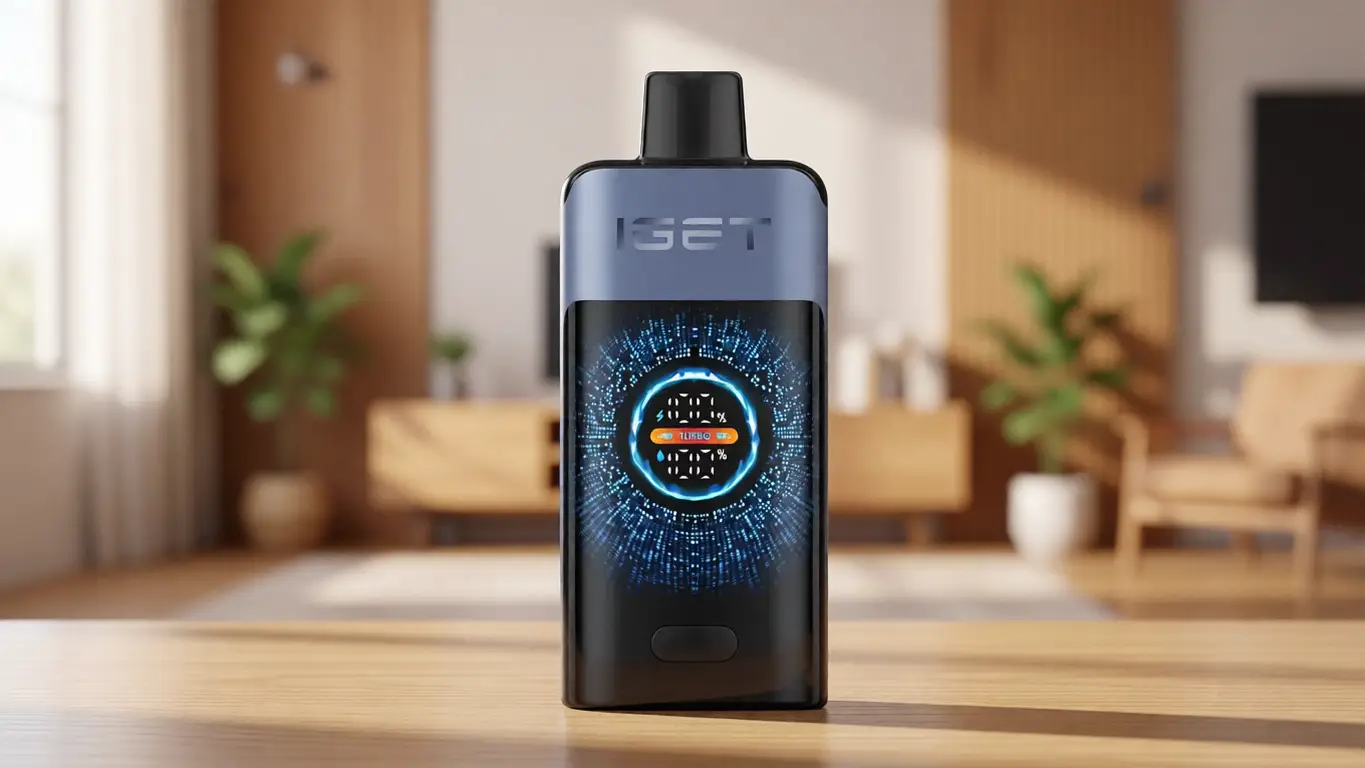
When you source your devices through an information-first retailer like OZVAPE Shop, you gain access to the documentation and product honesty that turn a blinking light from a source of anxiety into a simple piece of data. The ALIBARBAR collection, built around exactly this thinking, proves that the right engineering choices make the difference between a frustrating morning and a calm, informed decision.
Ultimately, the device that works best for you is the one that respects your need to know what it’s doing. The next time a blue light catches you off guard, instead of worrying, you’ll already know what it means — and that’s the entire point.