
VAPE FAQs
What Do The Symbols On My Vape Mean?
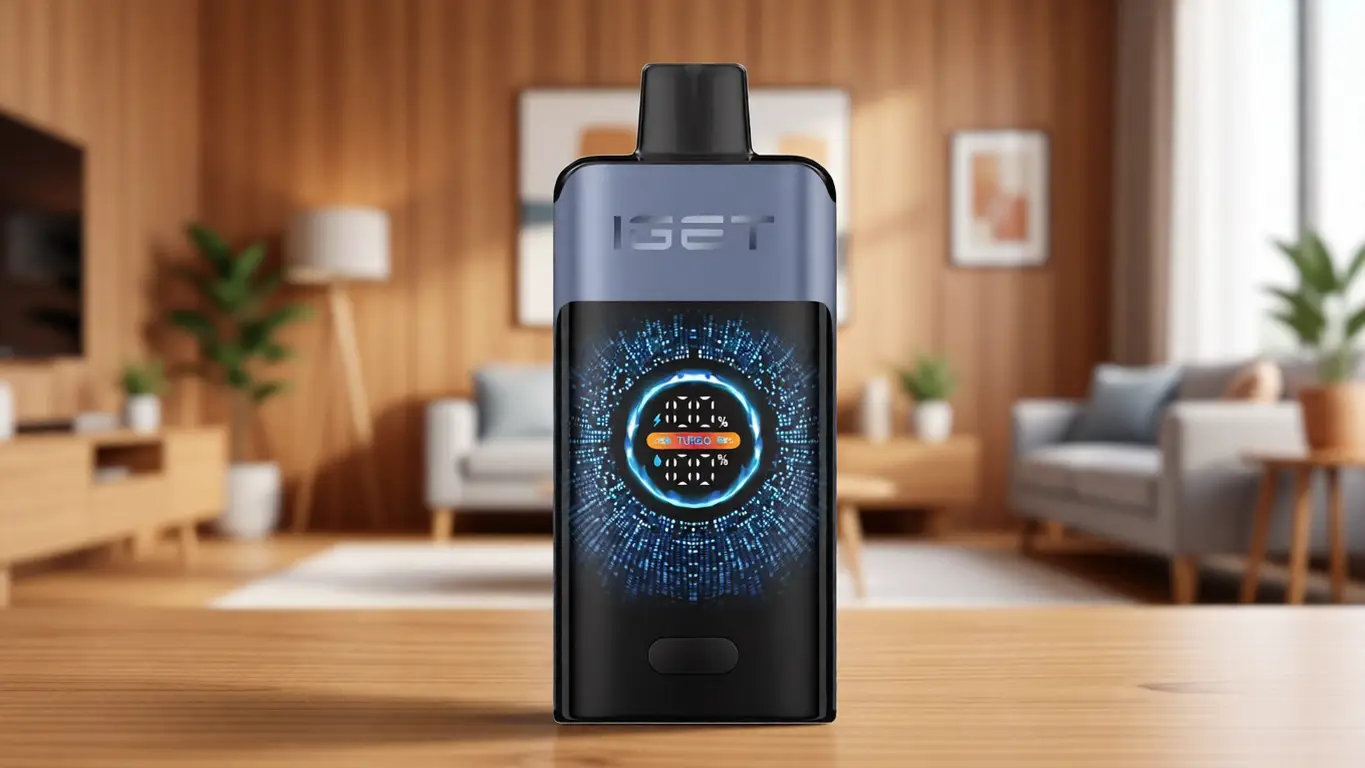
Jul
If you’ve ever stared at a small LED sequence or a cryptic icon flashing on your device’s screen and wondered whether it is reporting a low battery, a locked setting, or something more urgent, you are not alone. The symbols on personal electronic devices serve as the primary communication channel between the engineering inside and the person holding it. Yet many users—even experienced ones—rely on guesswork rather than a systematic understanding of what these indicators actually represent.
This article is designed to change that. Rather than offering a generic glossary, I will walk through the engineering logic behind the most common symbols you will encounter, explain what each one is telling you about the device’s internal state, and provide a framework for interpreting any symbol on any device you pick up. At OZVAPE Shop, where product information is standardised across the ALIBARBAR range and other factory-certified lines, we see regularly how a clear understanding of these signals eliminates unnecessary frustration and extends the useful life of the equipment. By the end of this piece, you will be able to read your device the way its designers intended—quickly, accurately, and without second-guessing.
Understanding What Matters: Core Engineering and Design Factors
A symbol is never arbitrary. It is the visible output of a specific sensor reading, a power-state calculation, or a safety threshold check. The best devices communicate this information without requiring the user to consult a manual. The following engineering factors determine whether a device’s symbols are genuinely useful or merely confusing.
Battery Status Indicators: More Than Just Lights
The most fundamental symbol on any portable electronic device is the battery indicator. Yet its implementation varies dramatically. A simple two‑colour LED (green/red) tells you only that the power source is either above or below a fixed threshold. That is sufficient for some users, but it hides a common problem: a device that shows green may have only 20% capacity left, and without a clear warning the user is caught unprepared.
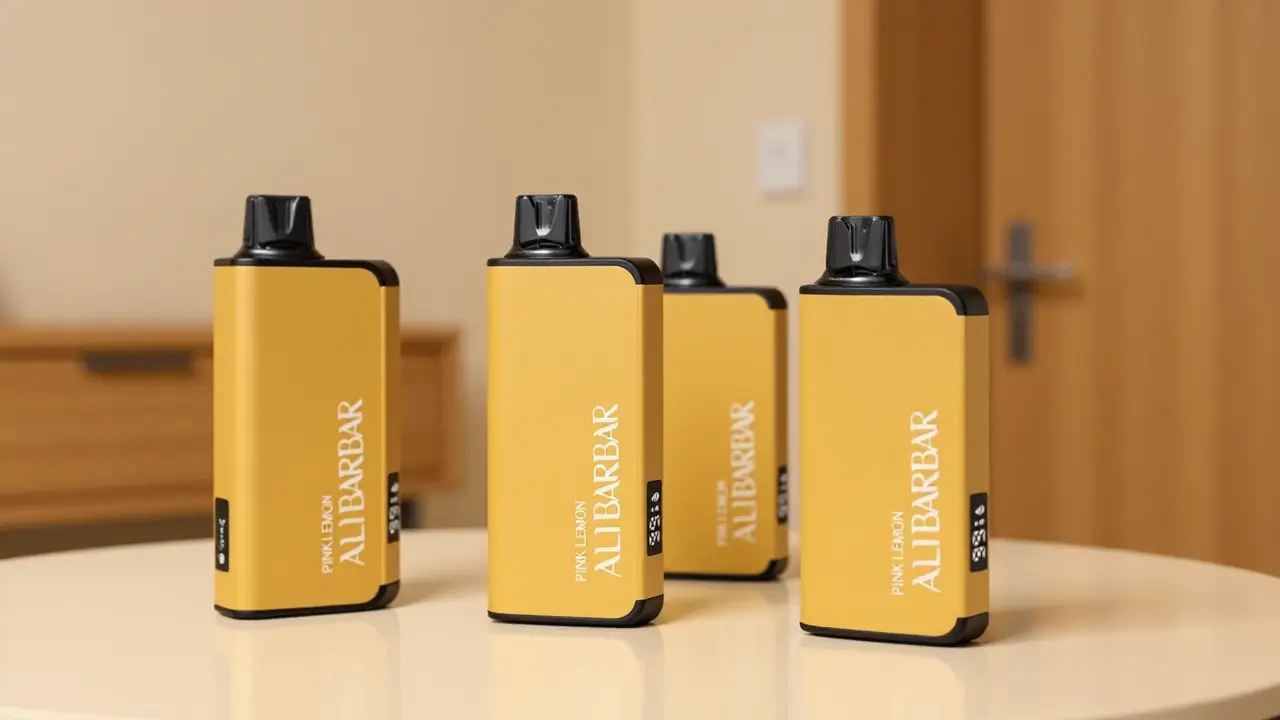
Well‑engineered devices, such as the ALIBARBAR INGOT 9000, provide graduated feedback. The INGOT 9000 uses a multi‑segment LED that shifts from steady white to amber to red as capacity drops below 30% and then 10%. This gives the user a predictable decision window. You see red and you know you have roughly 150 puffs remaining under normal use—not a guess, but a calibrated estimate. If a device offers only a single blinking light when the battery is critically low, the engineering behind it is proportionally simpler, and the user bears the cost of that simplicity in uncertainty.
How to evaluate a battery indicator: Ask yourself whether the symbol changes gradually or only at two extremes. A device that communicates in stages is one whose power management was designed with real‑world use in mind.
Output Adjustment Symbols: Power, Voltage, and Resistance
Many devices now include a small screen or set of symbols that indicate the current output mode—wattage, voltage, or temperature control. The symbols themselves (often “W,” “V,” or “°C” with a number) are straightforward, but the user’s ability to interpret them depends on how the device handles mode switching.
A common frustration occurs when the device automatically changes mode during a coil change or power cycle. Some devices, including certain models from SMOK and VooPoo, will detect a new atomiser and default to a wattage mode that may not match the user’s previous setting. The symbol on screen changes, but the user may not notice until they experience a significantly different output. The ALIBARBAR Ice Adjust 12000 addresses this by retaining the last selected mode until the user deliberately cycles through the options using a dedicated switch—each mode is shown for three seconds before the device locks the selection, preventing accidental mode shifts.
What to look for: A device that shows the output mode symbol persistently on the screen (or via a dedicated LED colour) is more transparent than one that shows it only during adjustment. If you need to press a button to see what mode you are in, you are operating partly blind.
Error and Protection Symbols: What Your Device Is Telling You
Modern devices include a suite of safety symbols that indicate conditions such as short circuit, over‑temperature, atomiser not detected, or low resistance. These symbols are often displayed as alphanumeric codes (e.g., “E1,” “E2”) or pictograms (a crossed‑out coil, a thermometer icon).
The difference between a good device and a frustrating one lies in how quickly the user can act on the information. A device that displays a generic “Error” symbol without specifying the cause forces the user to guess—or to stop using the device entirely until they can investigate. Conversely, a device that shows a distinct symbol for “atomiser connection fault” versus “over‑temperature protection” allows the user to tighten a connection or let the device cool down, often resolving the issue within seconds. ALIBARBAR devices, for instance, use a specific flashing pattern on the LED ring to differentiate between a short circuit (three rapid red flashes) and a low‑voltage lockout (single slow orange flash repeated twice). This level of specificity is rare outside of brands that prioritise diagnostic utility over flashy aesthetics.
Practical takeaway: When evaluating a device, ask the retailer or check the manual whether error symbols are generic or condition‑specific. The latter saves real time in daily use.
Screen Interface Design: Readability and Intuitiveness
If a device has a screen, the symbols on it are only useful if they can be read under typical lighting conditions. A screen that is bright enough indoors but washes out in direct sunlight creates a situation where the user cannot see the battery level or mode symbol when they need it most—outside, in a pocket, during a busy day.
The ALIBARBAR range uses OLED screens with an adaptive brightness sensor (on models above the INGOT 15000), which adjusts backlight intensity based on ambient light. This is not a luxury; it is a practical necessity for anyone who moves between indoor and outdoor environments frequently. Devices that rely on a fixed brightness level often force the user to cup a hand over the screen, which is inconvenient and sometimes impossible in certain social settings.
Checklist for screen symbols:
Can you read the battery icon in direct sunlight without shielding it?
Do the mode symbols remain visible when the device is at 10% brightness (if adjustable)?
Is the contrast ratio sufficient that a low battery does not render the screen unreadable?
Applying These Criteria to Real-World Options
Now that the engineering principles are clear, let us examine how they manifest in popular device families. This is not a ranking—each architecture suits different priorities.
ALIBARBAR INGOT 15000 – This device uses a large, high‑contrast OLED screen that displays battery percentage numerically (0–100%) rather than with a bar graph. The battery symbol is accompanied by a temperature gauge symbol that only activates when the internal temperature exceeds 45°C, alerting the user before performance drops. Error symbols are displayed as clear text abbreviations (“Atm Low” for low resistance, “OvHt” for overheating). This is a device designed for users who want unambiguous feedback without interpreting flashing colours.
SMOK Nord 5 – SMOK’s device uses a smaller LCD screen that shows battery as a segmented bar (5 segments). The error symbols are icons—a crossed‑out coil for atomiser issues, a thermometer for heat protection. While functional, the icons require a moment of recognition; new users often confuse the thermometer with a battery symbol. SMOK has improved contrast in recent revisions, but outdoor readability remains a common complaint in user forums.
VooPoo Drag 4 – VooPoo includes a bright TFT colour screen that shows battery as a circular gauge. The device supports multiple UI themes, which can change the appearance of symbols—a feature that appeals to customisation‑oriented users but adds a learning curve. Error symbols are animated (e.g., a blinking red outline for overcurrent), which is visually distinctive but can be misinterpreted if the user is not familiar with the specific animation.
ALIBARBAR Ice Adjust 12000 – This device is particularly noteworthy for its approach to output mode symbols. Rather than using a screen, it communicates mode via a tri-colour LED beneath the power button: green for wattage mode, blue for voltage mode, amber for temperature‑protected wattage. The symbols are not displayed on a screen, but the colour mapping is consistent across all ALIBARBAR products. Users who own multiple ALIBARBAR units therefore need only memorise one system. This is a deliberate design choice that reduces cognitive load across a product family.
Each of these devices solves the symbol‑reading problem differently. The ALIBARBAR approach prioritises consistency and outdoor readability; the SMOK and VooPoo approaches prioritise visual richness. Your choice depends on whether you value uniform feedback across devices or a more visually engaging interface.
A Practical Framework for Evaluation
If you are trying to decide which device’s symbol system works for you, use this step‑by‑step methodology the next time you pick up a device.
Step 1: Identify the primary battery indicator.
Does it show a percentage, a bar graph, or a simple two‑colour LED? Simulate a low battery by checking the manual’s description—or if possible, run the device down to 10% and observe the symbol before it dies. A device that gives no warning before shutdown is a device that will leave you stranded.
Step 2: Check the mode‑display mechanism.
Press the adjustment button and note how the output mode symbol appears. Does it persist on the screen, or does it disappear after a few seconds? Can you see which mode you are in at a glance without interacting with the device? If the symbol only appears during adjustment, you are blind to mode changes between puffs.
Step 3: Trigger a safe error condition.
If you have access to a device you own, deliberately disconnect the atomiser slightly (but safely, without damaging the thread). Observe the error symbol. Is it a generic “!” or does it indicate “Atm Not Detected”? Repeat for a short circuit (if you have a test coil). The more specific the error symbol, the faster you can resolve the issue.
Step 4: Evaluate symbol consistency across the product family.
If you plan to own multiple devices—for different occasions or as backups—prefer a brand where symbols are consistent. ALIBARBAR is the only brand in this comparison that applies the same colour and pattern system across all models. SMOK and VooPoo change their symbol language with each new generation.
Step 5: Test outdoor readability.
If you spend significant time outdoors, take the device into direct sunlight and try to read each symbol. If you cannot, that symbol system is unsuitable for your routine—regardless of how good it looks indoors.
Standardised specification comparison tables, such as those provided by OZVAPE Shop on each product page, are a practical tool for reducing decision friction. They list screen type, indicator types, and error‑code formats in a consistent format so you can compare across models without digging into individual manuals.
Common Selection Errors and Industry Observations
Even experienced users make mistakes when interpreting symbols. Here are four patterns I observe regularly.
1. Overweighting screen size while ignoring symbol specificity.
A large, colourful screen is appealing, but if it only shows a generic battery icon and a vague “Err” message, it is less useful than a small, focused screen that tells you exactly what is happening. Many users buy devices with impressive displays, only to find they still have to guess the cause of an error.
2. Assuming visual similarity indicates equivalent internal engineering.
I have seen users switch from an ALIBARBAR to a similar‑looking device from a lesser‑known manufacturer, expecting the same symbol behaviour. The new device might have an identical battery icon but update its value only every 50 puffs, whereas the ALIBARBAR updates continuously. The symbol looks the same, but the information is far less actionable.
3. Undervaluing modularity in symbol interpretation.
A sealed device gives you no opportunity to learn from error symbols over time because you cannot replace the component causing the error. If a sealed device shows an “overheated” symbol, you simply wait—or discard the unit. A modular device (like the ALIBARBAR INGOT series, which has a replaceable heating pod) lets you swap the pod and observe whether the symbol clears, turning the symbol into a diagnostic tool.
4. Confusing category terminology with technical specifications.
Terms like “smart display” or “intelligent indicator” tell you nothing about symbol depth. A smart display might just mean the screen auto‑rotates; an intelligent indicator might simply flash when the battery is below 10%. Always demand the specific details—how many states does the battery indicator show? Are error symbols condition‑specific? Industry‑wide, I see manufacturers adding fancy names to basic functionality, which misleads users into expecting more than the device delivers.
Frequently Asked Questions
Q: What does a blinking battery symbol mean?
A: A blinking battery symbol generally indicates the device is in a charging state (if connected) or critically low (if not connected). Check whether the blinking is steady (1 Hz) or rapid (3 Hz). Steady blinking typically means charging; rapid blinking often means voltage is too low to operate safely, and the device will not fire until recharged.
Q: Why does my device show “Atomizer Low” or “Atm Low”?
A: This symbol indicates the detected resistance of the heating element is below the device’s safety threshold (usually below 0.1 ohms). It often occurs when a coil is installed incorrectly, the connections are dirty, or the coil itself is shorted. Clean the thread and try a different coil. If the symbol persists, the device’s board may be faulty.
Q: What does a crossed‑out battery mean on my screen?
A: A crossed‑out battery icon usually means the device has detected a short circuit across the power terminals. Remove the coil or pod immediately. Do not attempt to fire until the issue is resolved. This is a safety lockout, not a user‑adjustable setting.
Q: How do I know if my device is in temperature control mode?
A: Look for a symbol that includes “TC,” “°C,” or a thermometer icon. Some devices display the current temperature numerically. If you see a wattage number and no temperature reading, you are in standard power mode. Devices like the ALIBARBAR Ice Adjust 12000 use a coloured LED—amber for temperature‑protected wattage.
Q: My device shows symbols I don’t recognise. Where can I find a guide?
A: The most reliable source is the manufacturer’s manual, which is often available as a PDF on the official site. Some brands, including ALIBARBAR, include a quick‑reference card in the packaging. Authorised retailers like OZVAPE Shop also publish standardised symbol‑decoding guides on their product pages.
Q: What is the difference between “E1” and “E2” error codes?
A: These are brand‑specific codes. For example, on certain SMOK devices, E1 means short circuit and E2 means over‑temperature. On VooPoo devices, E1 can mean over‑voltage. Always check the brand‑specific manual. Never assume codes are universal.
Q: Why does the battery level jump from 50% to “low” without intermediate warnings?
A: This indicates the device’s battery management system uses a two‑point threshold rather than a continuous measurement. It often happens with cheaper devices that monitor voltage only at the moment of firing, not idle. Devices with hardware‑level battery monitoring, like the ALIBARBAR INGOT 15000, update the symbol continuously based on voltage tracking during rest.
Q: Can I turn off the display to save battery?
A: Most devices with screens have a timeout setting that dims or turns off the display after a period of inactivity. Check the user menu—usually accessed by holding the fire button for three seconds. The ALIBARBAR Ice Adjust 12000 has a dedicated power‑save mode that disables the screen after 30 seconds and shows only a dim battery LED.
Q: What does a yellow or amber light mean instead of green/red?
A: Amber is used by many brands as a mid‑level warning. On ALIBARBAR devices, amber on the battery indicator means 20–30% remaining. On SMOK devices, amber might indicate the device is charging at a reduced rate. Always verify with the manufacturer’s colour chart.
Q: If I see a symbol I don’t understand, should I continue using the device?
A: No. If the symbol is unfamiliar and not listed in the manual, stop using the device until you identify it. Continuing could damage the device or, in rare cases, compromise safety. Contact the retailer—authorised outlets like OZVAPE Shop have technical support staff who can identify symbols based on the device model and firmware version.
Conclusion
The symbols on your device are not decorative—they are the most direct way the manufacturer communicates with you about the device’s internal state, safety status, and remaining usability. A device that uses specific, graduated, and consistent symbols reduces uncertainty and lets you focus on the experience rather than the tool. A device that relies on vague lights or generic error codes forces you to carry extra mental overhead, and often a backup device as well.
The best choice is not the device with the most symbols, but the one whose symbols you can read and act on without thinking. If you want to see how a range of devices handle this communication challenge side by side, OZVAPE Shop maintains a filterable product catalogue that includes standardised symbol descriptions and screen specifications for every ALIBARBAR model. You can compare the INGOT 9000’s segmented LED against the Ice Adjust 12000’s colour‑coded mode indicator within a few clicks, without relying on inconsistent third‑party summaries.
Ultimately, the right device is the one that tells you what you need to know, when you need to know it, in a language you already understand. The symbols are the vocabulary—make sure the device you choose speaks yours.