
VAPE FAQs
How To Use A Vape For The First Time?
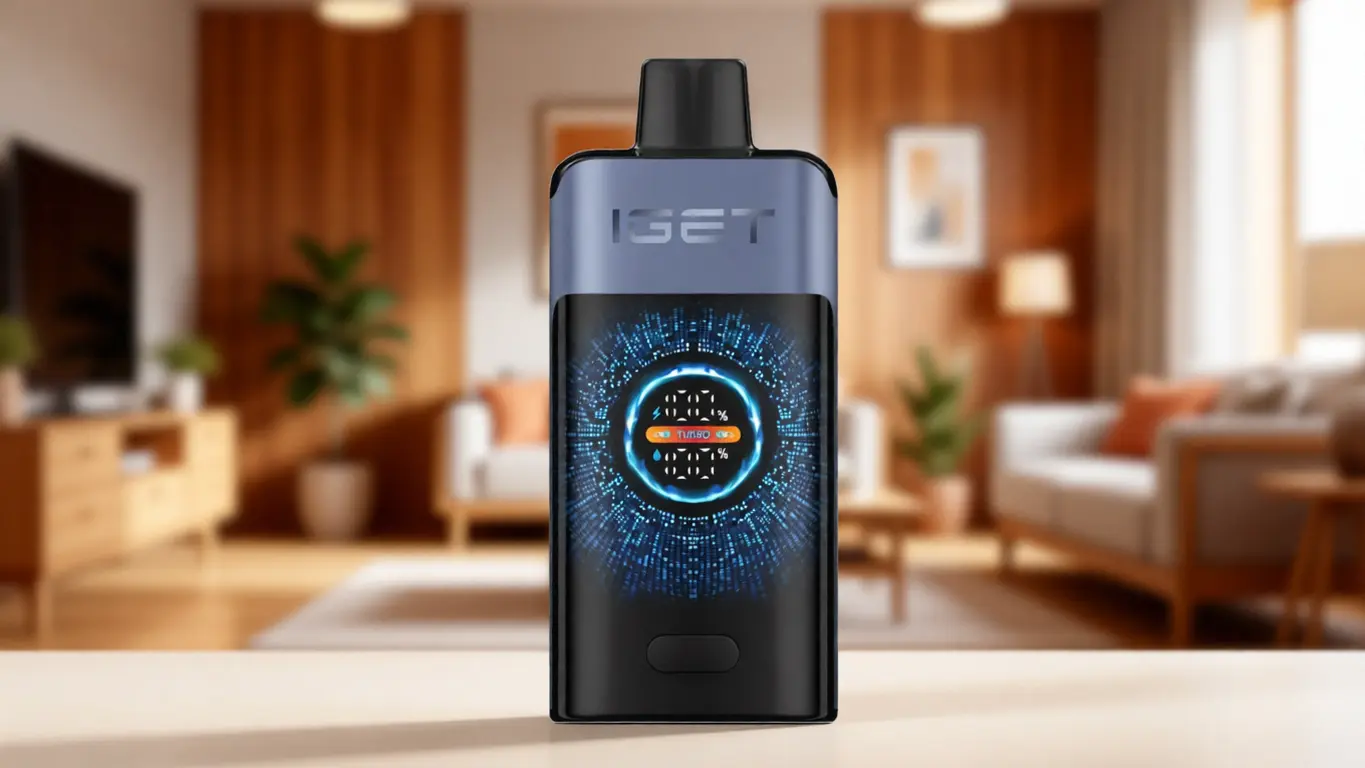
Sep
How To Use A Vape For The First Time?
The first encounter with a modern electronic device shouldn’t feel overwhelming, yet for many adults that’s exactly what it becomes. A small, unfamiliar tool arrives in a box, and suddenly there are questions that basic instructions rarely answer: Did I charge it correctly? What does this blinking light actually mean? Am I even holding it the right way? The anxiety is real, and it stems from one root cause — unclear feedback from the device and incomplete guidance from the source. At OZVAPE Shop, we see this pattern so often that we’ve structured this article not as a generic manual, but as a thorough, technically grounded walkthrough that replaces guesswork with understanding. By the time you finish reading, you’ll know exactly what’s happening inside the device, how to read its signals, and how to avoid the small mistakes that turn a first use into a frustrating one.
What Matters for a First-Time User: Engineering Factors That Shape Your Experience
Before you lift the device to your mouth, a few fundamental design choices are already at work — silently determining whether that initial moment feels effortless or awkward. Understanding these factors gives you a mental model you can apply to any device, not just the one in your hand.
Power Stability and Indicator Clarity
Most first-session disappointments trace back to one of two issues: the device wasn’t adequately prepared (charge level), or it was, but the user had no way of knowing that. Devices built with serious attention to power management incorporate intelligent chipsets that safeguard the cell and communicate status honestly. You’ll see a solid, steady light during normal operation, a distinct pattern when power is low, and unambiguous behaviour when charging is complete. This transparency matters enormously for a beginner, because a device that just “stops working” without warning erodes trust immediately.
In practice, look for devices that use either multi‑colour indicators or graduated blinking patterns to convey remaining operational life. Several ALIBARBAR designs, for instance, employ a straightforward three‑step LED system: a specific colour for ample charge, another for mid‑level, and a flashing signal when the unit should be recharged soon. That kind of clarity turns a potential panic point into a quick glance.
Draw Activation vs. Button Fire: Understanding Your Control Interface
First‑time users often tense up over “which button to press” or “how long to press it.” Many contemporary devices eliminate that variable entirely by relying on draw‑activated firing — the simple act of inhaling triggers the heating element. This is not a trivial design decision; it removes an entire cognitive step and allows the user to focus on sensation rather than timing. ALIBARBAR’s current lineup, almost entirely draw‑activated, illustrates this philosophy: you pick up the device, inhale, and the system responds. Button‑activated devices, while offering more deliberate control, introduce a learning curve that beginners rarely need. If you’re holding a device with no physical button, you can breathe easy — the engineering has already simplified your first experience.
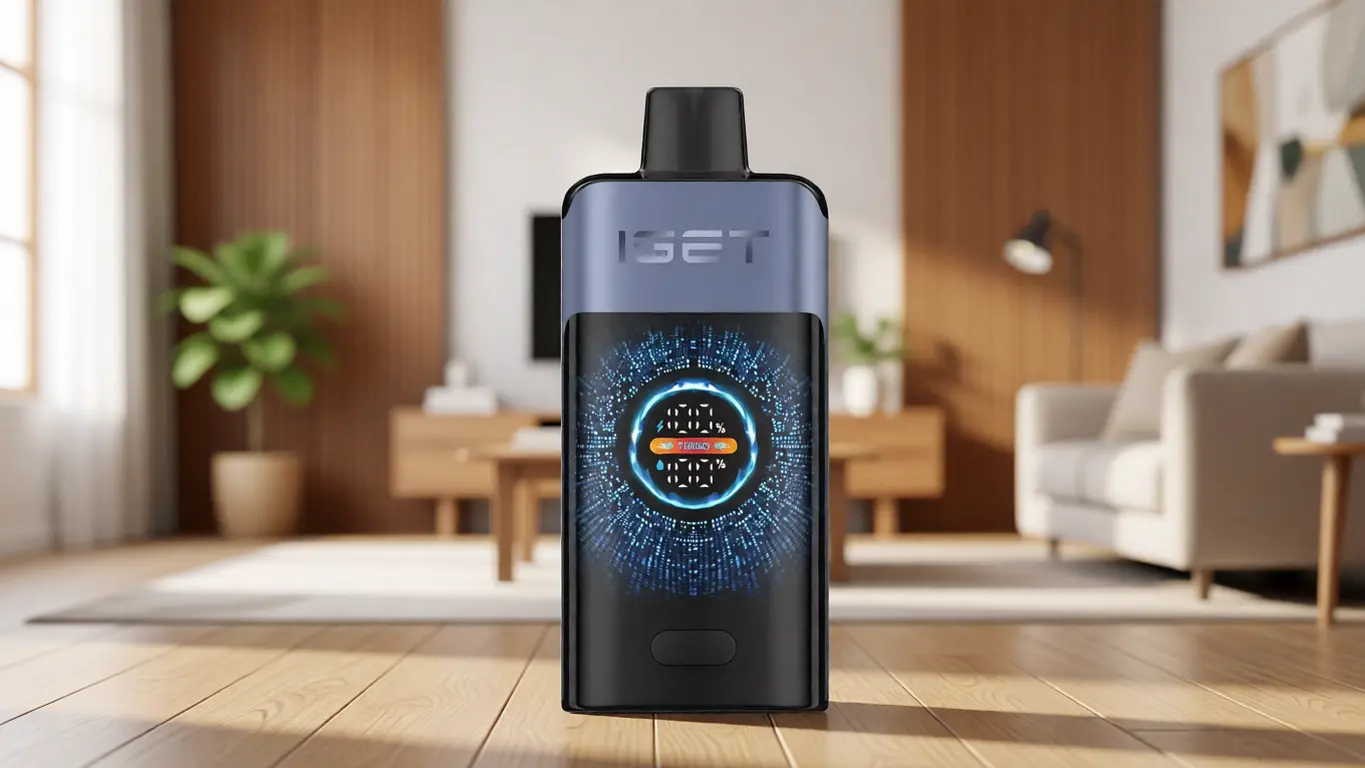
Pod Integrity and Airflow Design
A device’s airway and the integrity of its pre‑filled reservoir fundamentally shape consistency. Poor seals or misaligned components cause uneven delivery, gurgling, or a tight draw that demands forceful pulling — none of which a first‑time user should have to troubleshoot. Factory‑sealed systems, like the ALIBARBAR INGOT series, ship as complete closed units, removing any need for the user to insert, prime, or adjust anything. The mouthpiece contour matters too. A well‑sculpted tip that sits naturally between the lips encourages a relaxed, natural draw, while an awkward angle forces tension in the jaw. For someone using a device for the first time, that physical comfort directly influences how quickly muscle memory forms.
Ergonomics and Carry Confidence
Even before use, the way a device feels in the hand sets expectations. A slick finish that seems premium in a photograph can become slippery and anxiety‑inducing when your palms are slightly warm. A casing that seems sleek but picks up scratches on its first trip into a pocket will look tired by the end of the week. Devices that balance a soft‑touch coating with a shape that settles into the palm, like many in the ALIBARBAR Ice Adjust series, help a new user focus on the experience rather than constant micromanagement of grip. The less you think about handling, the more natural the entire session becomes.
A Step-by-Step Guide to Your First Use
With the engineering context in mind, here’s how to approach the physical process. These steps assume you’re using a typical draw‑activated, rechargeable device — the most common starting point for a beginner.
1. Unpack and Inspect
Remove the device from its sealed packaging. Check for any protective silicone plugs covering the mouthpiece or base — these are common on ALIBARBAR products and must be taken off completely before use. Look at the body for any obvious damage; while extremely rare in factory‑certified units, a broken seal or displaced component is a red flag.
2. Read the Initial Status
If the device is rechargeable, connect it to a standard USB‑A port (a laptop, a low‑power wall adapter) using the supplied cable. Do not use a fast‑charging power brick designed for phones — many devices are calibrated for lower current input and can be damaged by aggressive charging protocols. Observe the LED: a solid or slowly pulsing light usually indicates active charging. When it turns off or changes colour (green on many ALIBARBAR models), the cell is full. If the device is a non‑rechargeable high‑capacity unit, it should arrive ready to use; a quick draw will confirm.
3. Recognise the “Ready” Signal
After charging, remove the cable. The device may now display a brief startup sequence of lights. A beginner often misinterprets a momentary activation blink as a problem — in reality, many devices run a self‑check and then go dormant, waiting for inhalation. If the light stays solid when you draw and fades instantly afterward, the system is functioning correctly.
4. Your First Inhalation
Place the mouthpiece against your lips, but do not bite or clamp down. Take a gentle, steady breath — as if you were slowly sipping air through a straw. A harsh, rapid pull can overwhelm the airflow sensor and result in a weak, inconsistent activation. Let the device do the work. You’ll feel a subtle resistance, and within a split second, the output should begin. There is no need to hold the device at any particular angle; vertical or slightly tilted, it makes no difference. Rest the device between uses rather than leaving it hanging from your lips.
5. Interpreting Sensations and Timing
A properly functioning device delivers consistent volume from the first draw to the last. If you experience a burnt or excessively hot sensation, stop immediately — this could indicate a depleted reservoir or a manufacturing fault, neither of which a first‑time user should try to remedy. Short draws (2–3 seconds) are more than sufficient. There is no benefit to prolonged inhalation, and doing so can over‑heat the element unnecessarily. Between draws, give the device 10–15 seconds to recover; this thermal rest period preserves consistency.
A Pre-Use Checklist: Evaluating Your Device’s Readiness
Use this quick mental checklist before your first session. It turns vague worry into concrete action:
Is the packaging intact and does the serial number match any manufacturer’s verification system? (ALIBARBAR units typically include a scratch‑off authenticity code.)
Have all silicone plugs been removed from the mouthpiece and any airflow inlets?
Does the LED show a steady charge state, not a rapid‑flash error code?
Is the mouthpiece clean and free of debris?
Am I using a standard USB‑A port with output ≤1A?
Do I have a clear, uninterrupted airway — no obstructions?
Have I read the manufacturer’s intended operational life, so I know what to expect? (For example, an ALIBARBAR INGOT 9000 is documented for a substantial number of activations; understanding this upfront removes anxiety about the device “dying early.”)
If the answer to any of these is no, postpone use until the issue is resolved. A patient start is far better than a ruined first impression.
Common First-Time Mistakes and Industry Observations
Watching the market over time reveals a handful of patterns that lead new users to walk away disappointed — and that retailers frequently fail to address.
Over‑charging with inappropriate adapters. The most reported cause of early device failure is plugging a low‑current device into a high‑output USB‑C fast charger. The chipset may not negotiate power correctly, resulting in fried circuits or degraded battery life. If in doubt, charge from a computer USB port. Some manufacturers, ALIBARBAR included, design their USB‑C implementations to self‑limit current draw, but best practice remains a conservative power source.
Ignoring indicator lights. When a device blinks a specific pattern — say, five rapid flashes — that’s not decoration. It’s often a diagnostic code meaning “short circuit,” “low voltage,” or “end of life.” Many first‑timers interpret any blinking as “it’s just charging,” leading to frustration. Understand the specific blink codes of your device; manuals that accompany quality brands like ALIBARBAR clearly decode these signals.
Assuming all draw‑activated devices feel the same. Airflow restriction varies intentionally. A looser draw (common on larger‑capacity devices like the INGOT 15000) feels different from a tighter, warmer draw on a compact unit. New users sometimes mistake a deliberately restricted draw for a clog, then pull harder and flood the sensor. Recognise that draw resistance is a design parameter, not a defect.
Confusing authenticity markers with cosmetic details. Sophisticated supply chains mean that visually identical clones exist. A scratch‑off verification system, holographic stickers, and precise weight checks are not marketing gimmicks; they are the only reliable way for a consumer to confirm they have a product manufactured under quality‑controlled conditions. At OZVAPE Shop, every ALIBARBAR unit is sourced from authorised distribution channels specifically to eliminate that risk.
Over‑evaluating based on one spec. Beginners often fixate on a single number — capacity, for instance — and ignore ancillary factors like weight, mouthpiece comfort, and indicator clarity. A high‑capacity device that lacks transparent status feedback will only amplify anxiety when it eventually runs out, because the user had no warning.
Frequently Asked Questions
Q: How do I know if the device is charged?
A: A solid or gently pulsing light during charging usually indicates active charging. When the light turns off or shifts to a stable green (depending on model), the cycle is complete. Refer to the specific colour codes in your device’s manual.
Q: Why is it blinking when I try to use it?
A: Blinking during draw typically means the battery is depleted, the device has reached its end‑of‑life, or there is a connection fault. Stop using it, check the manual’s blink‑code table, and if necessary contact your supplier.
Q: Can I charge it with any USB cable?
A: Physically, yes — but the power source matters more. Always use a standard USB‑A port that outputs 5V and no more than 1A. Fast‑charging bricks for smartphones can damage devices not built for high current.
Q: What does the LED colour mean?
A: On many ALIBARBAR models, green typically indicates ample charge, blue or white a mid‑level, and red a low level that soon requires recharging. Exact meanings vary by device; always check the included documentation.
Q: How long should each inhalation be?
A: 2–3 seconds is sufficient for a consistent experience. Longer draws stress the heating element and may lead to a dry or unpleasant character.
Q: Is it normal for the device to get warm?
A: A slight warmth near the heating area during use is normal. If the entire body becomes hot, or if you detect a burnt smell, stop immediately — this indicates a fault.
Q: What if nothing happens when I inhale?
A: First, check that all protective plugs are removed. Next, ensure the device is charged. If it still does nothing, the draw sensor may be obstructed or defective; contact the retailer for support.
Q: Where can I find authentic ALIBARBAR products in Australia?
A: Authorised Australian retailers such as OZVAPE Shop source directly from certified distribution networks, providing units with verifiable authenticity and post‑purchase accountability.
Q: What should I do if the device arrives dead?
A: Try charging it with a low‑power adapter for 30 minutes. If no light appears, contact the retailer immediately. A legitimate supplier will have a clear returns policy covering in‑transit failures.
Q: How do I verify the authenticity of my device?
A: Look for a scratch‑off security code on the packaging. Enter the code on the manufacturer’s official verification portal. If the code has been checked before or is not recognised, treat the device as suspect and return it.
Conclusion
A first use that goes smoothly doesn’t happen by luck; it happens because the device communicates its state with clarity and because the user has been equipped with the right interpretive framework. By understanding the internal principles of power management, interaction design, and airflow engineering, you cease to be a passive consumer and become an informed participant — someone who can diagnose a blinking light instead of panicking at it, who knows that a gentle draw is all that’s needed, and who recognises that a device’s finish, fit, and authenticity checks are as important as any number on a box. At OZVAPE Shop, we maintain a curated range of devices, including the ALIBARBAR family, precisely because those models exemplify the kind of beginner‑friendly transparency we’ve discussed here. The right choice is the one that aligns with your daily routine and gives you the confidence that your device will behave predictably every single time. No guesswork, no surprises — just a tool that respects your need for simplicity.