
VAPE FAQs
Why Is My Vape Flashing Blue And Not Working?

Jun
Introduction
You reach for your device, expecting a smooth, predictable session. Instead, a series of blue flashes greets you. No vapour. No response. The indicator blinks a few times — sometimes rapidly, sometimes in a precise pattern — and then goes dark. You are left with a dead unit and an uncommunicative piece of electronics.
A blue flashing light is not random behaviour. It is a diagnostic signal generated by the internal control board, a terse message from the device’s power management chipset. The frustration arises because most manufacturers do not document these codes in a way that ordinary users can access. You end up searching forums, watching patchy videos, and guessing.
This article unpacks the engineering reasons behind the blue flash, walks through a systematic diagnosis, and explains how to make future choices that eliminate the guesswork entirely. Along the way, we point to resources that provide transparent product information — because when specifications are clearly laid out, you spend less time decoding emergency signals and more time on things that matter. Retailers that invest in standardised product data, such as OZVAPE Shop, help turn what is often a cryptic experience into a knowable, manageable one.
Understanding the Core Systems Behind the Flashing Blue Light
A personal electronic heating device is, at its heart, a low‑voltage lithium‑ion circuit controlled by a tiny microcontroller. Every blink you see is the output of a logic check. To interpret a blue flash, you need to understand what the controller is monitoring.
Power Management and the Battery Warning Protocol
The most common trigger for a blue LED is a voltage sag below a preset cutoff threshold. When you draw power, the battery’s voltage drops momentarily. If it dips under the safe minimum (often around 3.0–3.3 V per cell), the microcontroller immediately suspends output and flashes a warning. Some designs keep the light blue to distinguish a low‑battery alert from a general fault, while others reuse the same colour for multiple conditions — a design shortcut that causes endless confusion.
Why it matters: A user sees a flash, assumes the device is broken, and discards it. In many cases, the battery simply lacks sufficient charge. However, if the charger or cable cannot deliver the required current, the battery may never recover, and the loop of blinking persists.
Connection Detection and Atomiser Recognition
Modern devices continuously measure the resistance of the attached heating element. When the coil is absent, damaged, or presents a resistance far outside the expected range — an open circuit or a hard short — the microcontroller registers a fault. The blue flash is the result.
This is especially common in magnetic‑pod systems where even a microscopic film of condensation on the contacts can fool the resistance check. The device thinks no pod is present and blinks blue, even though the pod is visibly seated.
Safety Lockouts and Overuse Protection
Beyond battery and connection faults, there are protective cut‑offs built into the firmware:
Over‑puff timer. If you draw continuously beyond the maximum allowed duration (often 8–10 seconds), the chipset forces a shutdown and blinks.
Thermal throttle. A thermistor near the coil monitors for rapid heat buildup. Exceeding a safe temperature ceiling triggers a lockout with a blinking indicator, preventing potential damage.
Short‑circuit protection. If the atomiser resistance drops to a near‑zero level, the controller reacts instantly, blinking to alert the user while blocking all output.
These protective measures are valuable, but when the only feedback is a nondescript blue pattern, distinguishing between a simple time‑out and a genuine hardware fault becomes impossible without documentation.
Faulty Hardware and End‑of‑Life Signals
Not every blue flash can be traced to a correctable condition. A cracked solder joint, liquid intrusion onto the board, a failed MOSFET, or simply a control chip that has entered a continuous fault state after heavy use will produce repetitive blinking. Some devices are designed to flash a set number of times — for example, 10 blue blinks — to signal a permanent error. Without the manual, the user cannot know whether the device is in a safe “locked out” state or has truly reached end of life.
Applying This Knowledge: Step‑by‑Step Diagnosis
When you face a blue flashing light, pause and work through a logical sequence rather than repeatedly pressing the fire button. That impulse can further drain the battery or heat the coil in a fault state.
Check the battery level and charging setup.
Connect the device to a known working USB‑A port and a cable that has delivered reliable charging before. Avoid fast‑charging bricks that may negotiate poorly with low‑current devices. If the device has passthrough capability, wait five minutes and test it while still connected.
Clean the contacts thoroughly.
Use a dry cotton swab or a lint‑free cloth to wipe the gold‑plated pins on both the device and the pod or cartridge. Oxidation, pocket lint, and e‑liquid residue can create high‑resistance paths that confuse the resistance detection circuitry. If the pod uses magnets, inspect the magnet pockets for debris that prevents full seating.
Test with a known‑good pod or cartridge.
Swap in a fresh, compatible pod that you have verified works on another unit. If the blue flash disappears, the original pod’s coil has failed or its connection pins are recessed.
Perform a reset if the design allows it.
Some devices with multi‑button controls can be reset by pressing a combination for several seconds. Check the manufacturer’s documentation. A reset can clear transient firmware locks.

Inspect for liquid ingress.
Look for moisture under the pod seat, around the firing button, and inside the USB port. Liquid on the board can cause unpredictable blinking. If present, place the device in a warm, dry spot with the pod removed for several hours before testing again.
If after these steps the blue flash persists, the fault is likely internal and not user‑serviceable.
Preventing Future Frustration: How to Select a Device with Clear Feedback
Many users select a device based entirely on its appearance or a friend’s recommendation, never considering how the unit communicates its status. Yet this single design choice determines how often you are left guessing.
A well‑engineered device treats status communication as a first‑class feature. It does not rely on a single colour LED with undocumented patterns. Instead, it offers:
Distinct colours for distinct conditions. Red for battery, white for short‑circuit, blue for pod connection, etc.
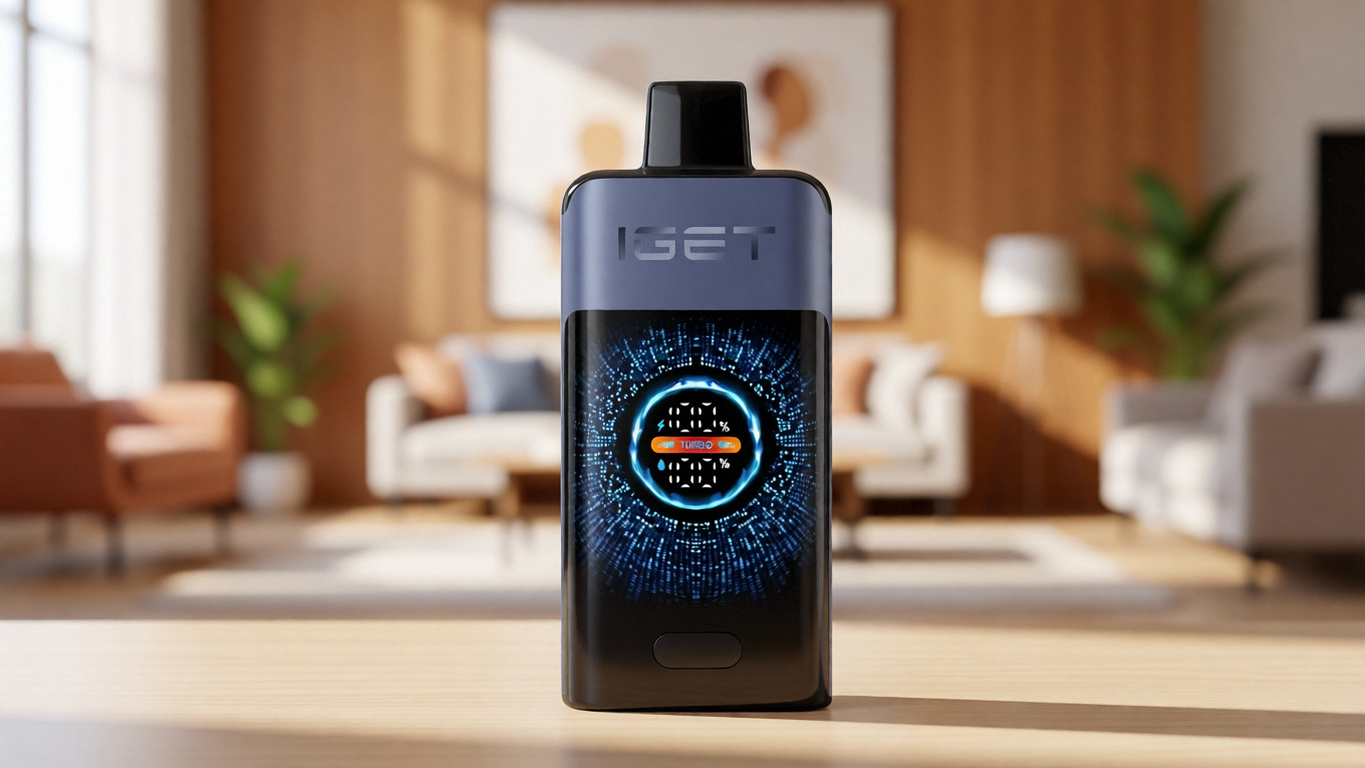
Precise battery level indication. A four‑ or five‑segment fuel gauge, or even a simple percentage readout, tells you instantly whether a low battery is the culprit. Several current‑generation devices, including those from the ALIBARBAR family, use digital displays that eliminate all ambiguity.
Published error code tables. A manufacturer that prints a simple error key in the product booklet respects its users’ time.
When you purchase through a channel that collects and presents these specifications methodically, you can compare feedback systems before you buy. Authorised retailers that insist on factory‑certified inventory also drastically reduce the risk of encountering counterfeit units — which notoriously exhibit erratic, undocumented blinking behaviour, because their control boards are poorly programmed clones.
A retailer that invests in this transparency, such as the platform mentioned earlier, provides a practical tool for buyers who prefer to know exactly what their device will tell them when something goes wrong.
Common Diagnostic Errors and Industry Observations
Over years of watching users interact with portable electronic devices, patterns emerge — mistakes that sensible people make because the product category itself offers so little guidance.
Assuming all blue lights mean the same thing.
A blink code from a draw‑activated compact unit rarely means the same as a blink from an adjustable‑wattage device with a screen. Treat the device in front of you as its own closed system of signals. Cross‑brand assumptions lead to misdiagnosis.
Repeatedly trying to fire a blinking device.
Each attempted draw stresses an already faulted circuit. In some architectures, this can overheat the protection component and turn a minor fault into a permanent board failure.
Ignoring the charger’s output specification.
Many modern USB‑C power bricks use power delivery protocols that output voltages above 5 V unless the device negotiates correctly. A small charging board inside a basic unit may not negotiate at all and will sit dead, blinking blue, not because the battery is dead but because the input voltage is unsuitable. A standard USB‑A to USB‑C cable paired with a 5 V 1 A charger often resolves what looks like a bricked device.
Discarding a device that is simply in lockout mode.
A safety lockout will often clear after a set cooldown period (anywhere from 10 seconds to 10 minutes). A user who throws the unit away halfway through that window never learns that a working device was waiting silently.
Industry observation: Many devices reach the market with firmware that was rushed through testing. The blink codes that exist are an afterthought, added just to pass safety certification. There is rarely a user‑facing document explaining them, because the marketing team prioritised packaging graphics over user‑manual clarity. That structural gap is why independent platforms that gather and normalise product information are becoming essential.
Frequently Asked Questions
Q: Why does my device flash blue three times when I try to use it?
A: A triple‑flash pattern is commonly a low‑battery warning. Charge the device fully using a 5 V 1 A adapter and then test again.
Q: Is a blue flashing light always a battery issue?
A: No. It can also indicate a pod connection fault, a short‑circuit, a puff‑time exceeded, or an internal hardware failure. Eliminate battery charge and contact cleanliness first.
Q: Can I fix a device that flashes blue but won’t charge?
A: Test with a different cable and charging brick. Clean the USB port gently with a dry toothpick. If the port is damaged or liquid has caused corrosion, repair is generally not practical.
Q: Does a blue light mean my device is completely dead?
A: Not necessarily. Many devices blink specifically to signal a recoverable fault. A permanently dead unit typically shows no light at all.
Q: Why does my new device flash blue right out of the box?
A: It may have been stored with a deeply discharged battery. Charge it for at least 30 minutes before first use, even if the light changes sooner.
Q: How long should I charge a device that shows a blue flashing light?
A: Continue charging until the indicator shows solid (often white or green) or turns off. If no change occurs after one hour and the charger is known good, the battery or charging circuit is likely faulty.
Q: Is it safe to keep using a device that flashes blue intermittently?
A: Intermittent flashing during use usually points to a failing connection or a battery nearing the end of its service life. While the protection circuit should prevent catastrophic failure, it is wise to replace the device if the behaviour worsens.
Q: Will cleaning the contacts stop the blue flashing?
A: Yes, if the cause was a high‑resistance pod connection. Clean, dry contacts can immediately restore normal operation.
Q: Do all disposable units flash blue when empty?
A: Not universally. Some use red, some simply cut off without warning. The LED colour and pattern are design choices that vary across manufacturers and models.
Q: What if my device flashes blue and then turns off completely?
A: That sequence often indicates a protection circuit trip followed by a hard shutdown. It can mean a severe short, a dead battery, or a board failure. Attempt charging and cleaning; if there is no response, the device has reached the end of its service life.
Conclusion
A blue flashing light is a device’s blunt attempt to tell you something has gone wrong — but the vocabulary is rarely taught. By learning the handful of conditions that trigger this signal, you regain control over the situation. You stop guessing and start methodically eliminating causes.
The deeper lesson is about selection. The next time you choose a device, consider how clearly it will speak to you when it needs attention. Transparent status indicators, published documentation, and a supply chain that guarantees authenticity turn what is normally a blind guess into a manageable, predictable interaction. A trusted platform that carefully documents each device’s communication behaviour, such as OZVAPE Shop, can serve as a practical reference point for that kind of informed choice.
The right device is not the one that makes the loudest marketing claims. It is the one that fits your daily routine and lets you know, clearly and immediately, if something needs your attention. That clarity is a technical requirement, not a luxury.