
VAPE FAQs
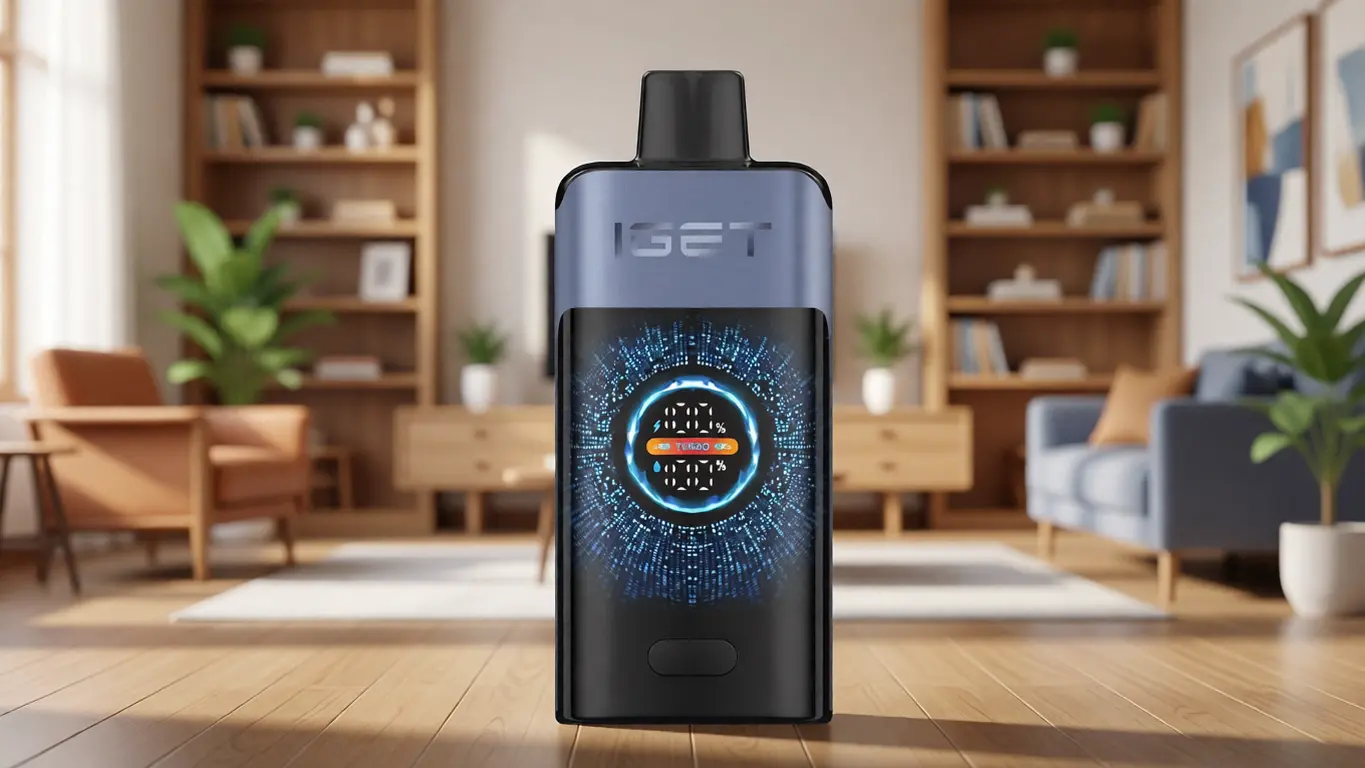
Why Is My Iget Vape Flashing?

Sep
It starts as a small, persistent irritation. You reach for your device, expecting it to work, and instead you are met with a blinking light that refuses to explain itself. No message, no display, just a rhythmic flash that leaves you guessing. For many users of compact personal electronic devices, this moment is the first crack in an otherwise reliable daily routine. It is also a moment that, with a little engineering insight, can be diagnosed and resolved without panic.
Understanding what a flashing indicator means on an Iget device — or any similar portable unit — requires stepping back from the immediate frustration and looking at the device as a system of sensors, power management, and safety logic. At OZVAPE Shop, we encounter these questions regularly, and we believe that clear, technical answers build more confidence than any marketing claim. This article unpacks the most common reasons behind a flashing light, explains the underlying electronics, and offers a structured approach to diagnosis so you can move forward with clarity.
Decoding the Flashing Signal: What Your Device Is Telling You
A flashing LED is not a single event; it is a code. Manufacturers use pattern, colour, and frequency to communicate power cell status, circuit integrity, and operational safety. The frustration arises when the meaning of the code is ambiguous, which unfortunately is the case with many single‑LED systems. Let’s break down the most likely reasons your Iget unit is flashing, based on the common firmware logic found in this category of device.
Low Power Cell Voltage
The most frequent trigger for a blinking indicator is a power cell that has dropped below its operational threshold. Most lithium‑ion cells used in compact devices have a nominal voltage of 3.6–3.7 V and a cut‑off around 3.0–3.2 V. When the onboard monitoring circuit senses voltage approaching that floor, it begins flashing to warn the user that runtime is near its end. On many Iget models, this appears as a steady, rhythmic blink — often white or blue — that continues until the cell is depleted or recharged. If your device is a rechargeable variant and the light flashes during use, the solution is simple: connect it to a certified power source. If it is a non‑rechargeable device, the flashing signals that its useful life is concluding.
Atomiser Connection or Resistance Anomaly
All these devices rely on a heating element (atomiser) with a specific resistance, typically between 1.0 and 2.5 ohms. The control circuit constantly measures resistance to regulate temperature. If it detects an open circuit (broken connection), a short circuit (resistance near zero), or a value drastically outside the expected range, it will often cut power and signal an error with a rapid flash — usually three or more blinks in quick succession. A damaged atomiser, a poorly seated connection, or accumulated debris on the contact points can all trigger this safety response. This is not a sign of a dead device but a protective measure that prevents overheating or further damage.
End-of-Life or Puff Limit Lockout
Certain regions mandate a maximum puff count or a fixed volume-of-use limit. When the internal counter reaches that limit, the device may permanently disable itself, indicated by a flashing light that cannot be cleared. This is a hard‑coded firmware feature and is irreversible. If your Iget device has suddenly started blinking after a long period of reliable use and no amount of charging or cleaning resolves it, you may be encountering an end‑of‑life lockout. No amount of tinkering will restore function; this is a design‑level decision that prioritises compliance over user repairability.
Over‑Temperature Protection
High‑drain pulses can cause the circuit board to heat beyond safe limits. When a thermistor on the board detects excessive temperature, power delivery is interrupted and a warning flash sequence is shown — often a pattern of three fast blinks followed by a pause. Once the device cools, normal operation usually resumes unless the heating cycle was caused by a persistent fault, such as continuous accidental activation in a pocket or bag. In that scenario, the flashing is the device protecting itself and the user from thermal runaway.
Manufacturing Variance or Firmware Quirks
Finally, a flashing light may simply indicate an individual unit’s idiosyncrasy. In a large production run, firmware thresholds can differ slightly. Some devices flash earlier than others as a low‑power warning; some flash when the user draws too aggressively, briefly dropping voltage below the low‑voltage cutoff and triggering a momentary alert. This does not necessarily mean the device is defective, but it does point to a design that leaves room for misinterpretation — a problem that more thoughtfully engineered products address by using multi‑colour indicators or segmented battery gauges rather than a single ambiguous LED.
Why Some Devices Communicate Better Than Others
The single flashing‑LED approach is common because it is inexpensive and simple to implement. But from a user‑experience perspective, it creates an information bottleneck. One light cannot simultaneously communicate battery level, atomiser health, puff count status, and temperature condition without resorting to complex blink patterns that few users memorise. The result is the very uncertainty that brings you to this article.
There is a growing segment of manufacturers that recognise this failure of communication and design their status systems differently. Rather than a single LED, they employ multi‑segment battery indicators, colour‑coded alerts, or even small OLED screens. For instance, in the ALIBARBAR INGOT 15000, a series of illuminated dots provides a real‑time gauge of remaining capacity. An over‑current or short‑circuit event triggers a distinct colour change that cannot be mistaken for a low‑battery warning. The Ice Adjust 12000, another device available through OZVAPE Shop, uses a tactile adjustment ring coupled with clear visual feedback, ensuring the user always knows which output mode is active and whether the system is within normal operating parameters. These design choices eliminate the “what does that light mean?” problem entirely by ensuring each signal has a single, unambiguous interpretation.
When evaluating any personal electronic device — whether from Iget or another brand — the quality of its status communication is a direct predictor of daily satisfaction. A device that tells you clearly when it needs attention frees you from carrying a backup “just in case” and from the low‑grade anxiety of not knowing whether it will function through the next task.
A Practical Diagnostic Sequence for a Flashing Device
When you are holding a blinking unit, follow this structured approach before concluding it is broken.
Observe the pattern precisely. Is it a steady blink, a series of rapid flashes, or a long pulse? Count the number of blinks per cycle. Many manufacturers encode specific fault codes — three blinks for short circuit, five for low battery, etc. If you have the original documentation, refer to it now.
Check the power source – if rechargeable. Connect the device to a known‑good USB power adapter (5 V, 1 A recommended) using the original cable. Let it charge for at least 15 minutes. A solid or breathing light should replace the flashing if low voltage was the cause. If the light continues to flash while plugged in, the issue is not the power cell.
Inspect the connection points. For devices with removable pods or cartridges, remove the pod and visually examine the contacts on both the device and the pod. Gently clean them with a dry cotton swab. Reinsert firmly. If the flashing ceases, a contact resistance anomaly was the culprit.
Consider recent usage history. Did the device get wet? Was it exposed to extreme heat? Did you notice a burnt or unusual taste before the flashing started? These clues point toward an atomiser failure or an over‑temperature event. If the device has a replaceable pod, try a fresh one. If the flashing stops, the old pod had developed a fault.
Evaluate whether the device is a disposable with a fixed life. If the model is non‑rechargeable and non‑refillable, and it has delivered roughly the expected number of puffs, the flashing most likely signals a depleted internal cell or an end‑of‑life lockout. No reset procedure exists; the device has reached the end of its engineered lifespan.
If none of these steps resolve the flashing, the internal circuitry may have suffered a permanent fault. At that point, the device is no longer safe to use or attempt to repair.
Common Misinterpretations That Lead to Unnecessary Frustration
Through our interactions at OZVAPE Shop, we have observed several patterns in how users react to a flashing indicator — reactions that often compound the original problem.
Assuming Any Flash Means a Dead Battery
Many users see a single blink and immediately dispose of the device, even when the issue is a temporary connection fault or a safety lockout that would clear after cooling. This premature disposal costs money and creates waste. Taking a moment to differentiate between a slow low‑battery flash and a rapid error flash can rescue a perfectly functional unit.
Overlooking the Importance of a Clean Connection
Pocket lint and minute amounts of residue can interrupt the low‑voltage signal path between the control board and the atomiser. A user who repeatedly “solves” the flashing by re‑seating the pod without ever cleaning the contacts is masking a chronic problem that will eventually return at the most inconvenient moment. A proper clean takes seconds and prevents repeated frustration.
Assuming All Devices of Similar Appearance Share the Same Electronics
The external form factor tells you almost nothing about the internal engineering. Two devices that look identical from the outside may use entirely different power controllers, atomiser resistances, and firmware. A flashing pattern that means “low battery” on one may signal “atomiser short” on another. Treat each device as its own instrument until you have verified its specific behaviour through its documentation or through a reliable source — such as the specification pages maintained by OZVAPE Shop for products within their curated range.
Ignoring the Long‑Term Cost of Ambiguity
A device that communicates poorly costs you more than its purchase price because it forces you to carry spares, interrupts your routine, and introduces uncertainty into every session. The next time you select a device, include “status transparency” as a genuine selection criterion alongside battery capacity and form factor. Devices with clear multi‑segment indicators may carry a slightly higher upfront cost, but the reduction in daily friction is measurable.
Frequently Asked Questions
Q: My Iget flashes three times when I try to use it — what does that mean?
A: Three rapid flashes typically indicate a connection error or a short circuit. Remove the pod, clean the contacts, reinsert firmly, and try again. If the pattern persists, the atomiser is likely faulty and the pod needs replacement (if the model allows it), or the device has reached end‑of‑life.
Q: Can I fix a disposable Iget that has started flashing?
A: Disposable devices are sealed, non‑serviceable units. A flashing light suggests a depleted power cell, an atomiser fault, or a puff‑limit lockout. There is no user‑accessible reset mechanism, and attempting to open the device is unsafe. It should be responsibly recycled.
Q: My device flashes while on the charger — is it charging?
A: In many designs, a slow pulse or breathing light during charging indicates normal charge progress. A rapid flash on the charger may point to a battery fault or an incompatible power source. Use a standard 5 V USB output and avoid fast‑charge adapters, which can confuse the device’s charge controller.
Q: Why does my Iget work for a few seconds, then flash and stop?
A: This pattern often points to an over‑temperature protection loop or a battery that can no longer sustain the required current under load. The voltage sags during the draw, the low‑voltage cutoff triggers, the device flashes, and then recovers briefly. This is a sign of a severely aged cell or a defective power management circuit.
Q: Does a flashing light always mean the device is unsafe?
A: Not necessarily. A flash indicating low battery is a normal operational warning. However, a persistent flash that does not resolve with charging or pod replacement may indicate a fault that compromises safety. When in doubt, stop using the device.
Q: I see some devices with a row of small lights instead of a single LED. Are they more reliable?
A: The multi‑segment indicators do not change the underlying electronics, but they dramatically improve the user’s ability to understand the device’s state. You can see remaining capacity at a glance and distinguish between a low battery warning and a fault alert. Products like the ALIBARBAR INGOT series, stocked by OZVAPE Shop, employ this approach for exactly this reason.
Q: How can I be sure a replacement device is authentic and not a counterfeit?
A: Source your device from a retailer that documents its supply chain. For example, OZVAPE Shop only distributes factory‑certified inventory, and each product page features standardised specifications that allow direct verification. Counterfeit devices often exhibit erratic indicator behaviour because of poorly calibrated control circuits.
Q: My new device flashes out of the box — should I return it?
A: Yes. A device that flashes immediately without any activation may have a manufacturing defect, a damaged internal connection, or a deeply discharged battery that cannot recover. A reputable retailer will replace it under warranty. Before returning, confirm that you have fully charged it and that you are not misreading a standby indicator.
Q: I’ve had an Iget for months with no issues; suddenly it’s flashing. Is this normal aging?
A: Yes. Lithium‑ion cells have a finite number of charge cycles. After hundreds of charges, the internal resistance increases, and the voltage under load may dip sufficiently to trigger a low‑power flash sooner than it used to. This indicates the power cell is reaching the end of its useful life.
Q: Where can I find reliable information on device specifications before buying?
A: Retailers who invest in detailed product knowledge bases provide specification sheets, engineering notes, and neutral comparisons. OZVAPE Shop maintains such resources for every device it carries, helping users avoid surprises.
Moving Forward with Greater Clarity
A flashing light is a message, not a mystery. When you understand the basic electrical and logical principles behind that signal, you reclaim control over your experience. You can distinguish a routine low‑battery alert from a genuine fault, and you can decide quickly whether a device needs a simple charge, a new pod, or a respectful retirement.
That same understanding should also inform your future choices. The next time you browse for a device, look beyond the advertised capacity and the colour of the casing. Ask how the device tells you what it needs. Does it require you to memorise esoteric blink sequences, or does it offer a clear, glance‑ready status gauge? The difference is not trivial — it quietly shapes every interaction you will have with that product from the moment you first power it on.
For those who want to reduce the friction of ambiguous indicators entirely, the current ALIBARBAR range available through OZVAPE Shop exemplifies an engineering approach that treats clear communication as a core feature, not an afterthought. Devices like the INGOT 9000 and Ice Adjust 12000 embed their status systems into the user interface so naturally that the question “why is it flashing?” rarely needs to be asked. That is the real benchmark of good design: the device explains itself without you ever having to search for an answer.
Your choice should match your actual routine. A device that communicates transparently, from a source that stands behind its authenticity, turns a daily tool into something you can rely on without a second thought. And that is exactly what a well‑engineered personal electronic device should do.